Custom Outpost / Merged with Bandit Camp
If you don’t want to make your own custom outpost, you can use our default merged outpost layout, it has all the features that Bandit Camp has. To use our layout just skip to step 6 and select the
rustmaps_outpostprefab instead!
Step by step
Download our Outpost template from the downloads page.

Open the template in RustEdit and modify the outpost to your liking. It’s important that the original Outpost prefab stays on the template map. (Fully custom outposts downloaded from lone.design for example may not be supported, ask the creator of the prefab or us if in doubt.)
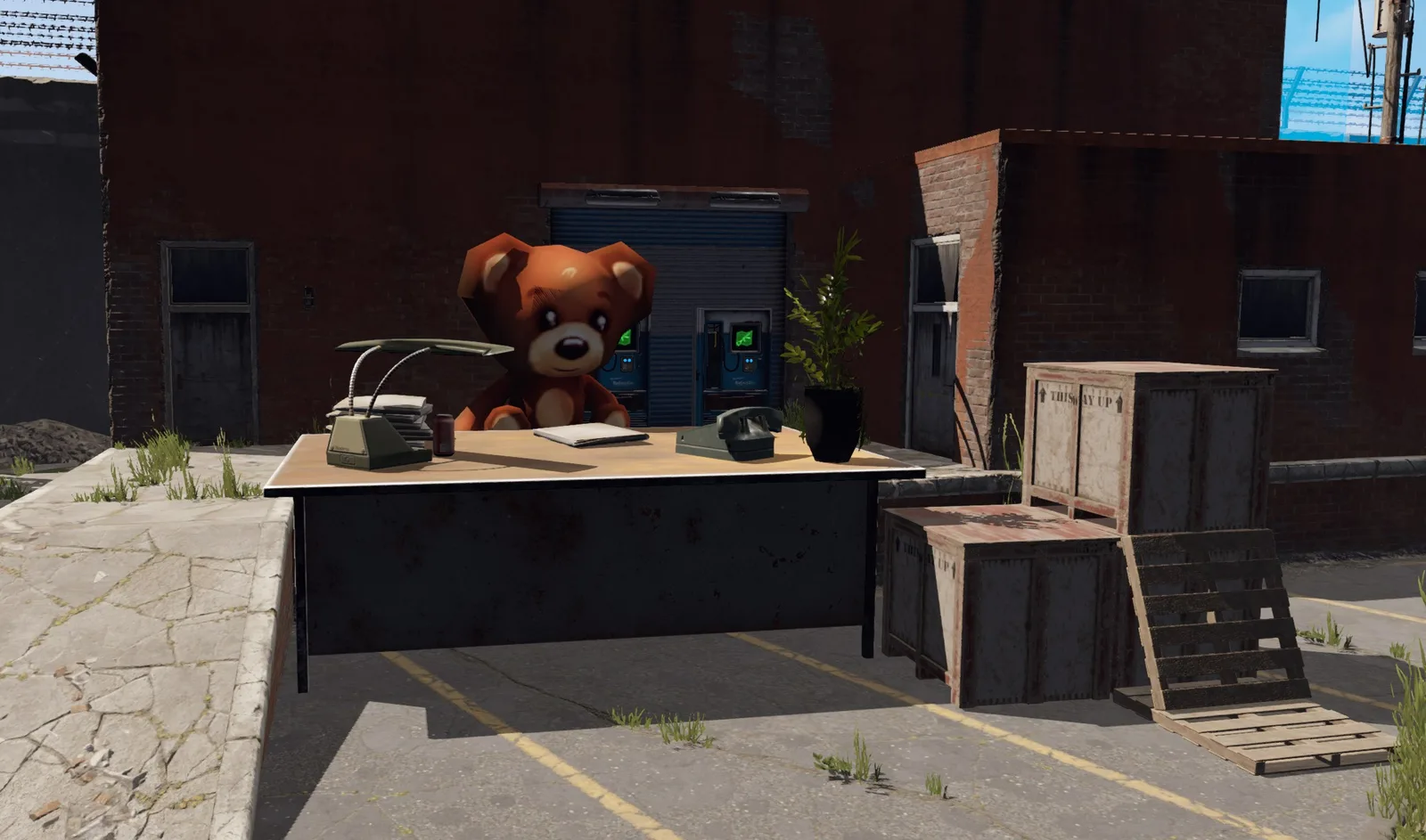
Save the map through RustEdit.
Upload the
.mapfile to RustMaps under custom prefabs. Give your custom outpost a name and select the map file you just saved from RustEdit, the monument type is detected from the map automatically.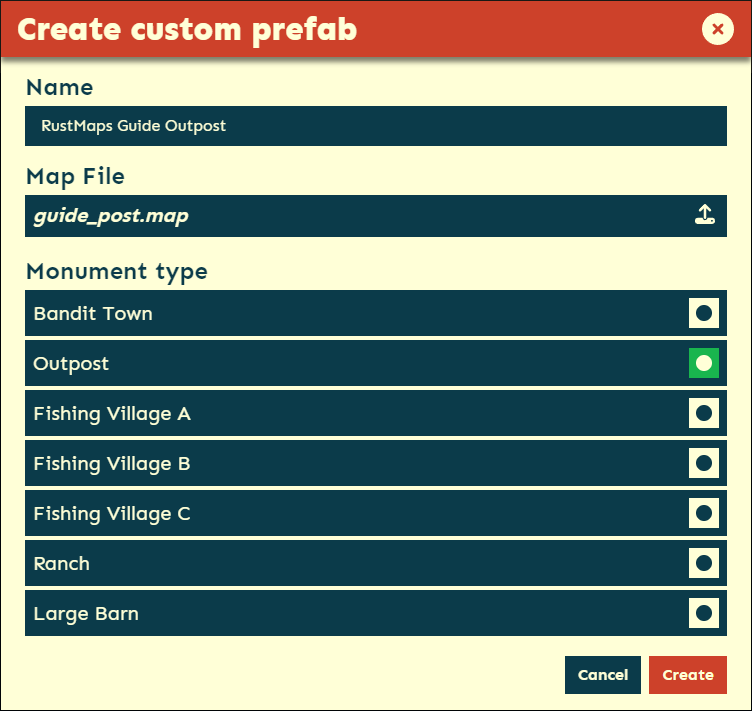
It takes a moment to be processed into our system, but once finished you can use the outpost on your maps.

Head to the custom map generator and create a new config.
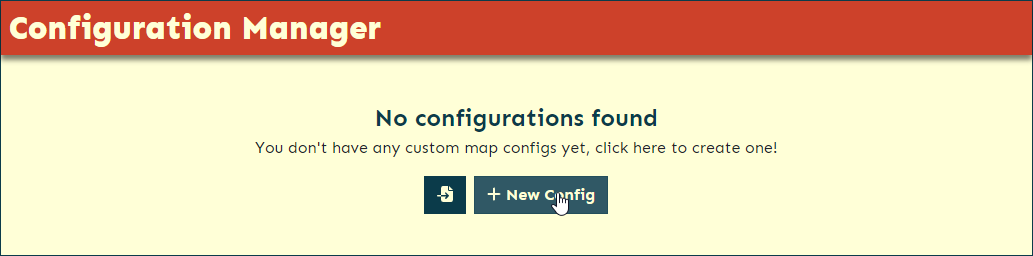
Scroll down to the Safezones category and click on Outpost. Enable the
Use custom outpost prefabsetting and select your newly uploaded outpost.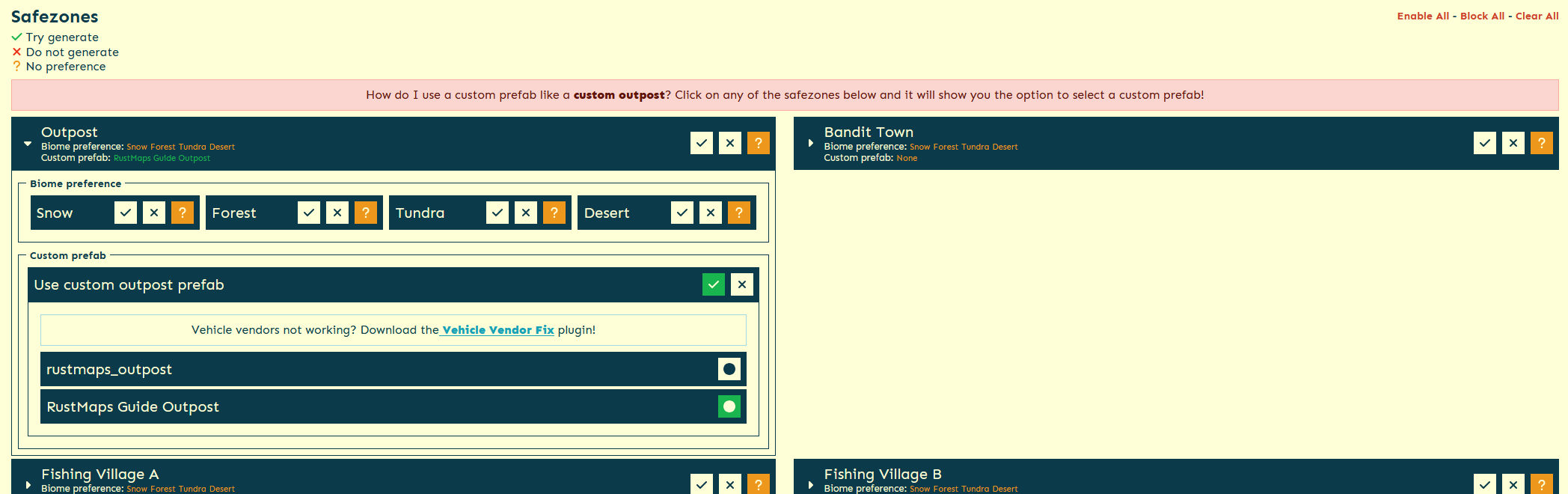
Additionally, if you do not want Bandit Camp on your map, block it from spawning in the Safezones category.

Scroll to the top of the page, put in a seed and the size of your map and hit generate.
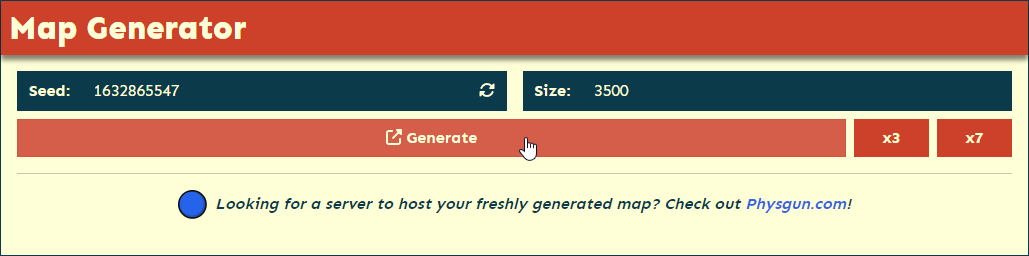
Once the map finished generating, load it up on your test server, head to Outpost and inspect your custom outpost layout!
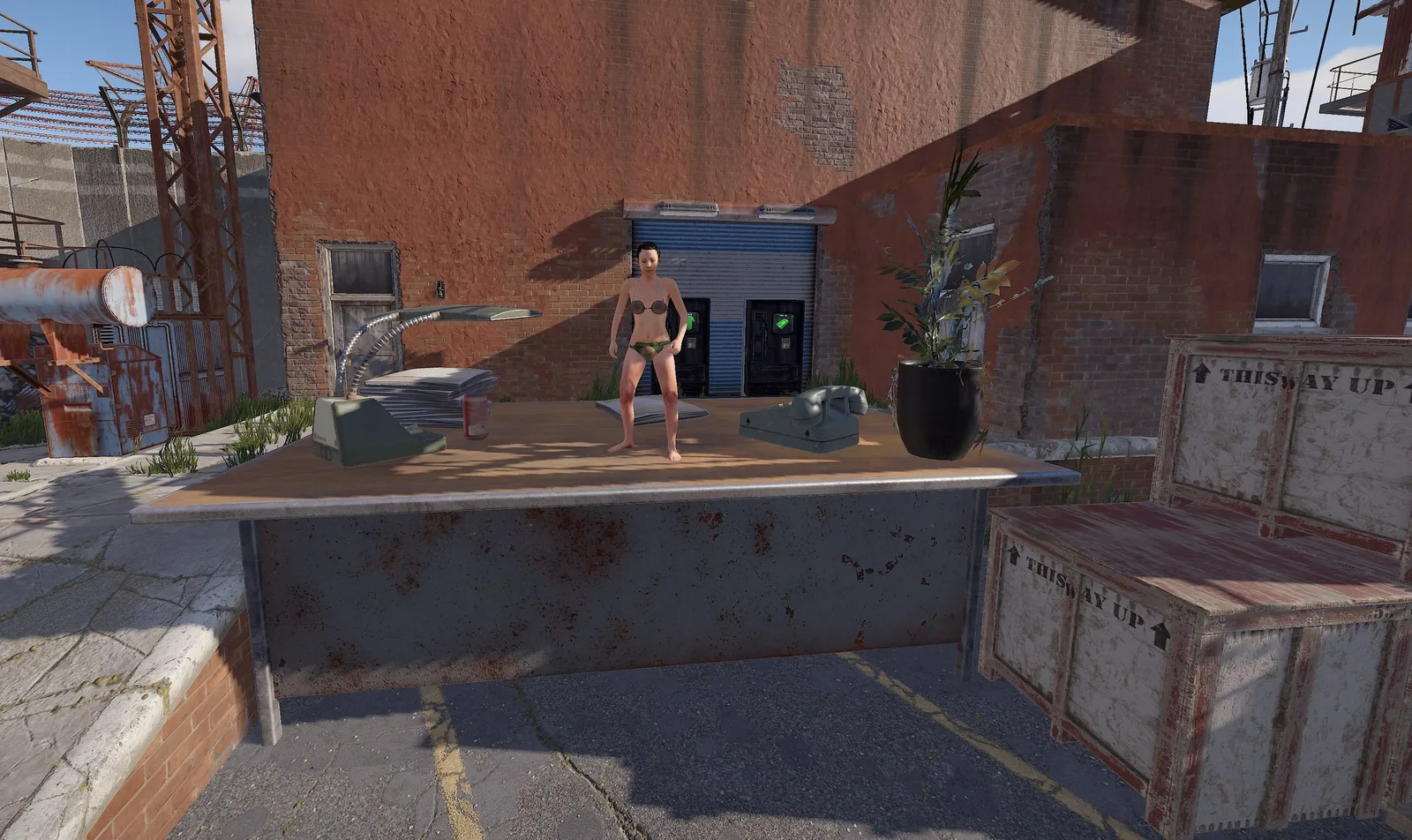
And don't be a noob like who used the wrong pookie bear prefab, which is why it's not on the map :(